Organized at any scale
Search, smart albums and automatic tagging are designed to run on your devices, over a full local index, so a library of millions of photos stays navigable without anyone sorting it by hand.
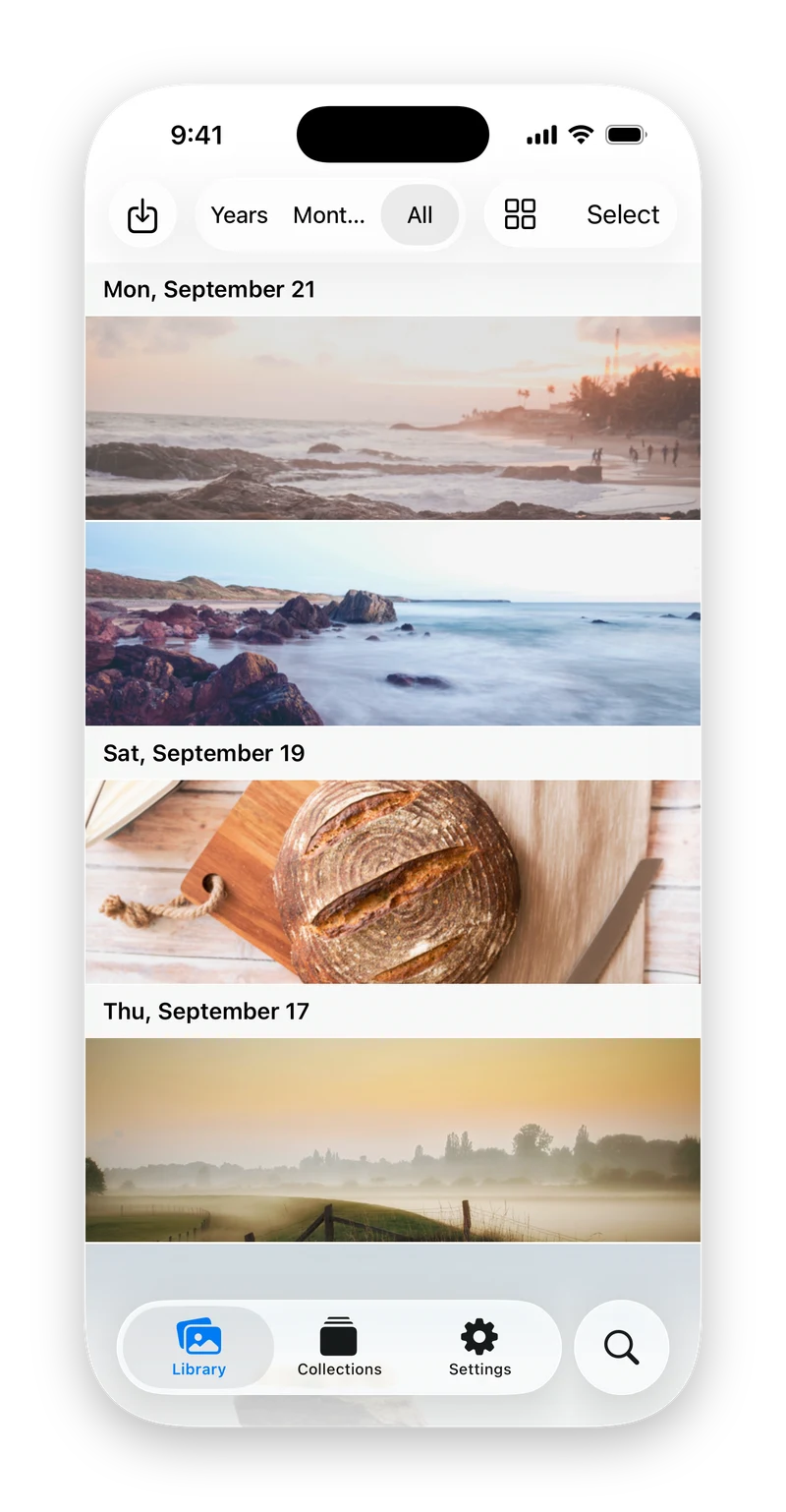
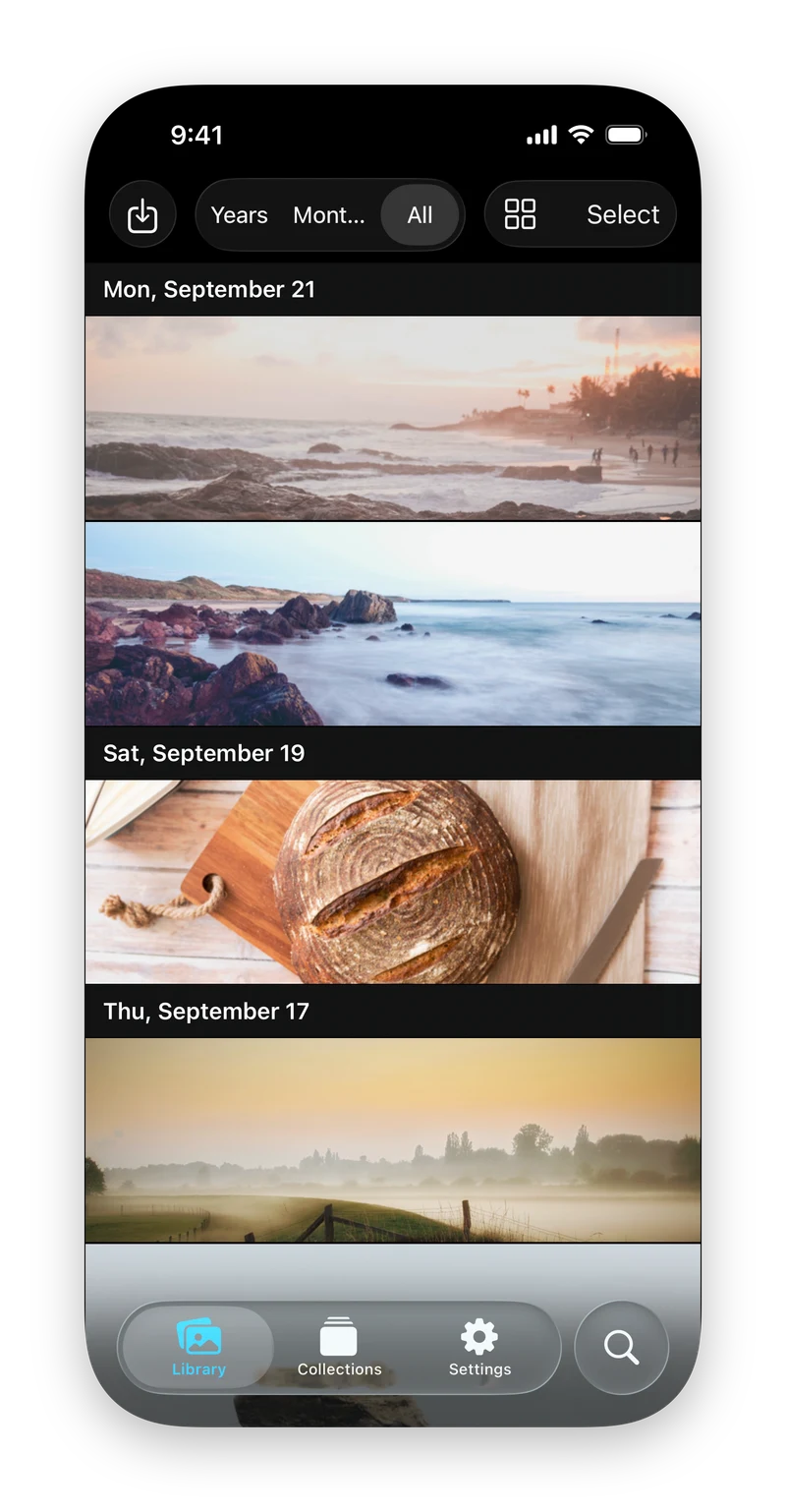
The mobile clients are being stabilized and refined before they go to beta testers.Roadmap
Search, smart albums and automatic tagging are designed to run on your devices, over a full local index, so a library of millions of photos stays navigable without anyone sorting it by hand.
The server stores ciphertext and never holds a key. It cannot read a photo, a caption or an album title, yet it signs a custody receipt for every upload it accepts.
Trust lives in the cryptography rather than the server, so people on different Capsule servers are meant to share albums with each other, with no central service in between.
Every native app is built to hold a full index of every photo you have kept, so all of it can be browsed, searched and organized with no connection.
Every asset carries a signed, append-only provenance chain, so which person and device imported or edited it is verified, not taken on trust.
Each asset is paired with a signed metadata sidecar, so a library stays readable without a database and can be rebuilt from partial damage.
Originals kept at full quality and restorable byte for byte. RAW and video as first-class formats. Native apps built with each platform’s own controls. A CLI and TUI that can do everything the apps can; see CLI.
Most photo services make you choose between the features a server gets by reading your library and the privacy you get when it cannot. Capsule takes the privacy and rebuilds the features on your devices, over data only they can decrypt.
That choice has costs, and the design docs state them rather than hiding them: what a key-free server can and cannot tell you (Notifications), what happens when a key is lost (Backup and Recovery — Recovery Paths), and what a faulty or hostile client is prevented from doing (Threat Model).
Host a server
Run Capsule on your own hardware. Self Hosting
Use Capsule
Import, organize and browse your library. User Guide
Bring your library
Import a Google Photos Takeout with its metadata. Migrating from Google Photos
Build Capsule
Every line is open source and developed in the open. Local Development